Login
Prerequisites
You have registered a VNNOX account.
Operating Procedure
- Visit www.en.vnnox.com and click LOGIN at the upper right of the page.
- Select a server node and click Ok.
- Select a login method. You can select any of the following three login methods:
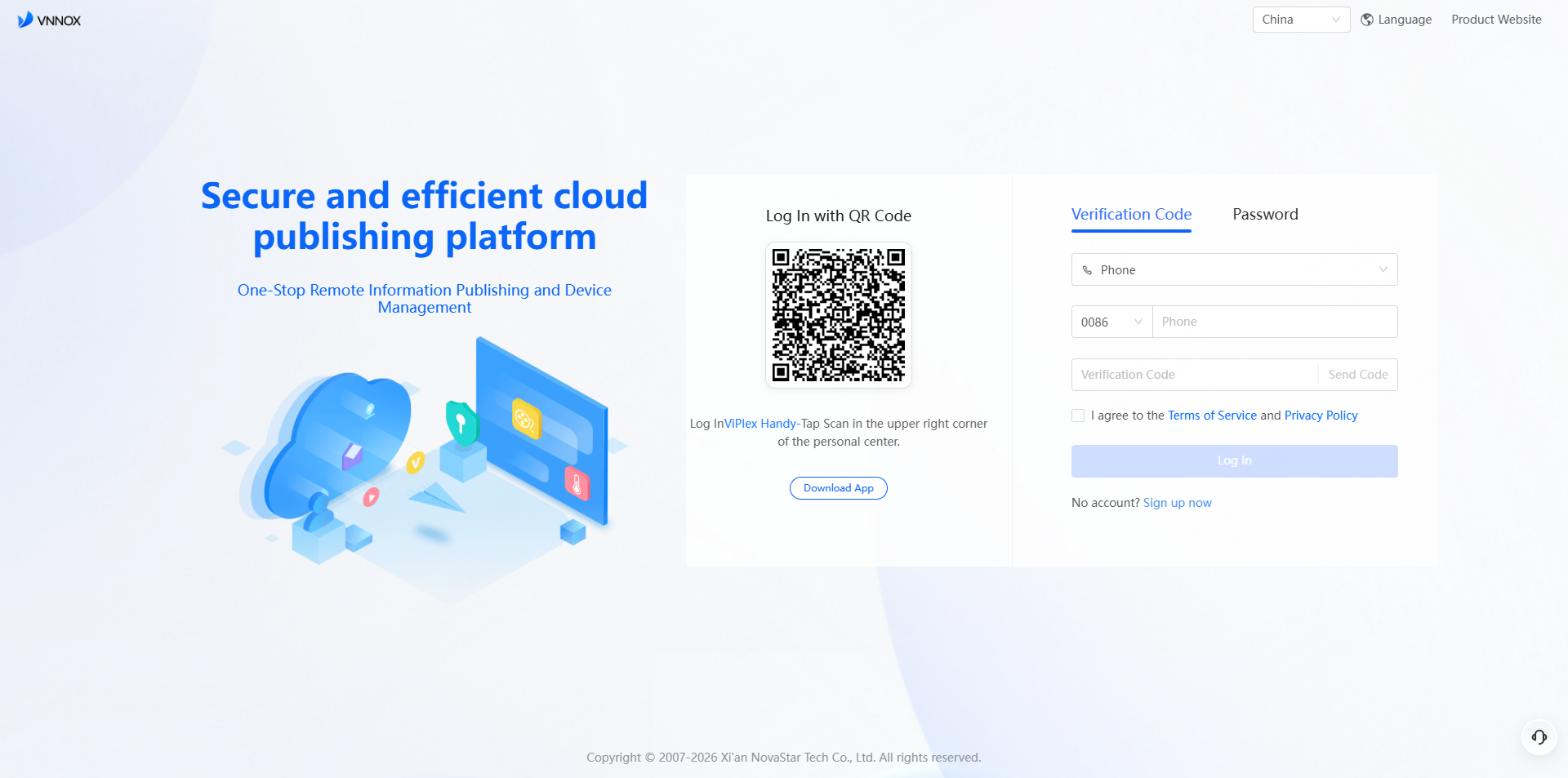
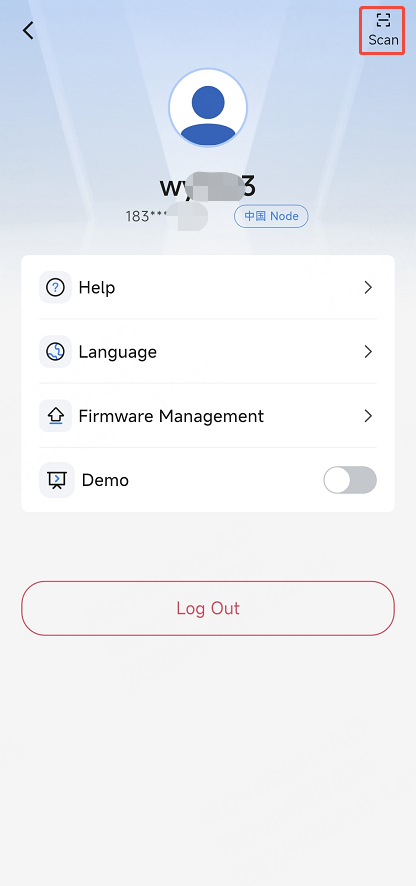
- QR code: Log in to ViPlex Handy and tap Scan in
the personal center to log in to VNNOX via the account used for login in
ViPlex Handy.
- Verification code: Enter a phone number or email address to get a verification code for login.
- Password: Enter your account name and password for login.
- QR code: Log in to ViPlex Handy and tap Scan in
the personal center to log in to VNNOX via the account used for login in
ViPlex Handy.
- Drag the slider for verification and click Log In to access the
workspace.
When you access VNNOX Standard for the first time, a prompt reminding you to select the default system is displayed. After the default system is selected, you will access the selected system by default after clicking Log In next time.