Binding via Device SN
Prerequisites
The device SN is obtained. You can obtain the device SN by doing any of the following:
- View the label on the device.
- Open ViPlex Express, connect to the device you want to bind, and then choose Control > Screen information to view the SN.
- Open ViPlex Handy, connect to the device you want to bind, and then choose Screen Management > Device Information to view the SN.
Operating Procedure
Via the workspace in VNNOX Standard
- On the Workspace tab page, choose Easy to Add a Screen > Method 1: By using VNNOX > In VNNOX, enter the SN.
- Enter the obtained player SN and click Next.
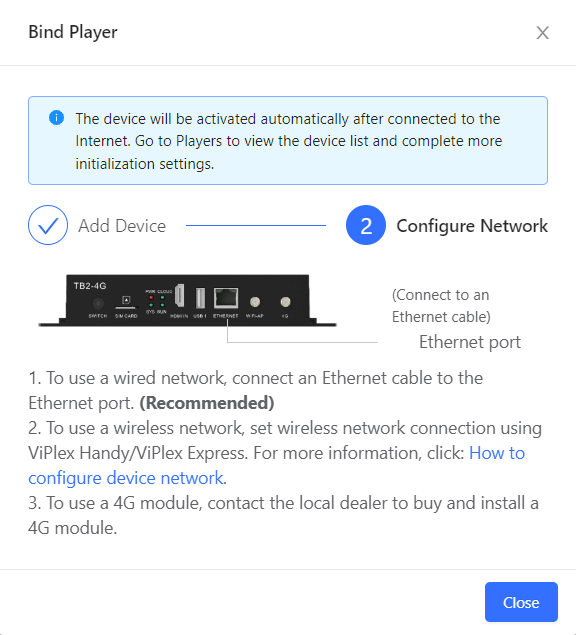
- Complete the network configuration.
By adding a screen
- On the Screens tab page, click Add Screen.
Figure 1. Adding a screen 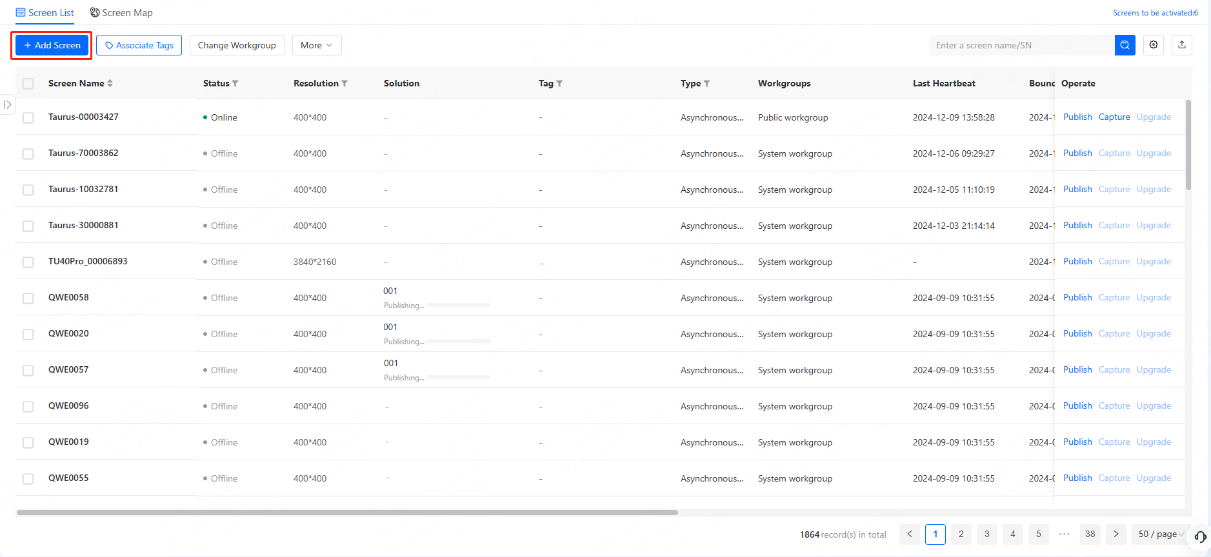
- Enter the obtained player SN and click Next.
Figure 2. Entering the player SN 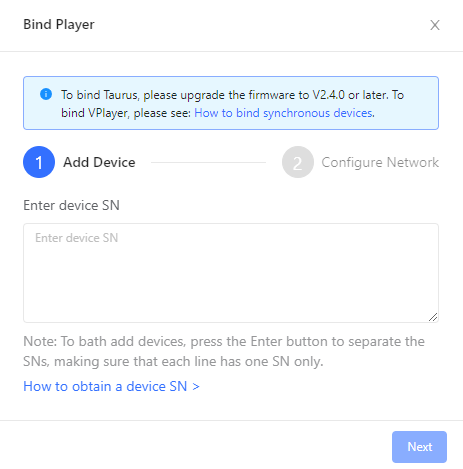
- Complete network configuration.
The device will be activated after connected to the Internet.
Figure 3. Network configuration