Alarm Logs
Scenarios
View the alarm logs of screens.
Operating Procedure
- From the menu bar, choose Logs > Alarm Log.
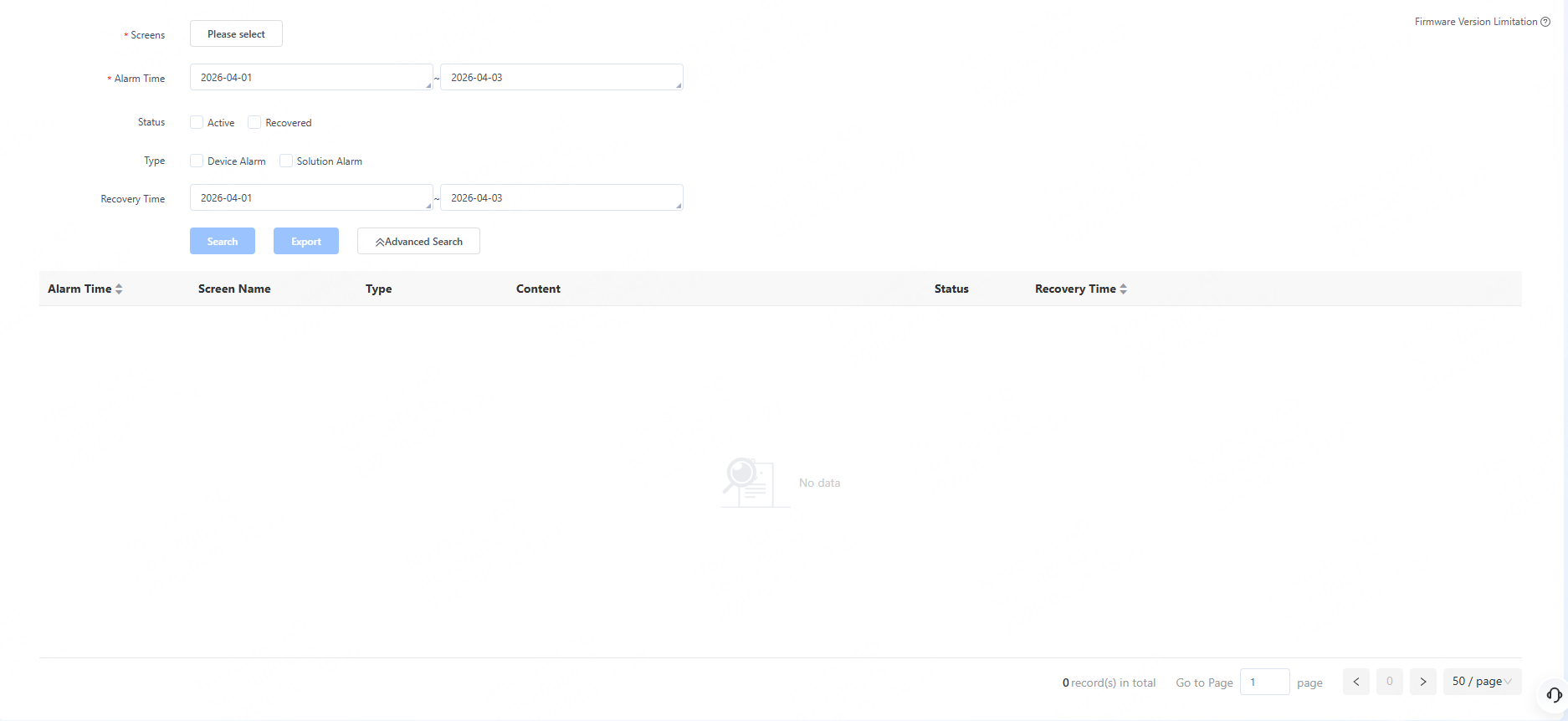
- Click Please select to select one or more screens and click OK.
- Specify the alarm time range which cannot be longer than 30 days.
- Specify the alarm status. You can select Active and/or Recovered.
- (Optional) Click Advanced Search to set more search
criteria.
- Type: You can select Device Alarm and/or Solution Alarm.
- Recovery Time: Specify the recovery time range. Up to the past three months can be specified.
- Click Search. The result will be displayed, as shown in
the figure below.
- (Optional) Click Export to export the log files (.csv) to
the local storage system.
- When the number of logs is equal to or less than 10,000, the search results will be displayed on the page.
- When the number of logs is greater than 10,000, the search results will be sent to the user’s email.