Screen Groups
Scenarios
Users can assign screens into different groups for easier management.
Operating Procedure
- From the menu bar, choose Screens.
- Move the mouse to the Group section on the left and click
 to create a group.
Figure 1. Creating a group 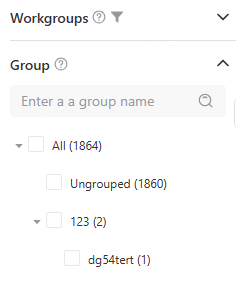
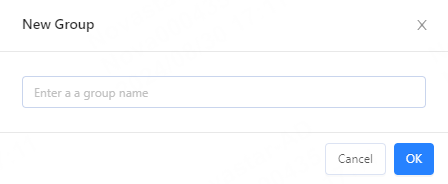
- Enter a name for the new group and click OK.
- (Optional) Move groups: Choose
 > Move Group and select a group, or drag a group to move
the group.
> Move Group and select a group, or drag a group to move
the group. - Find and select the players to be added to the new group. Click Move
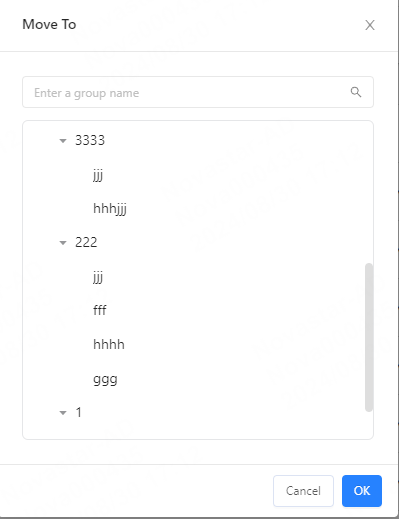
Group, choose the new group from the dropdown list, and then click
OK.
Figure 2. Selecting a group