Volume Control
Scenarios
Adjust volume manually or set rules for automatic volume adjustment.
Operating Procedure
- From the menu bar, choose Control.
- Click Volume Control.
- On the left of the page, select the target online player.
- Do the following as needed.
- Real-time control: Adjust the screen volume by dragging the slider or
entering a number and then click Apply.
Figure 1. Real-time volume control 
- Scheduled Control: In the Scheduled Control area,
click
 , set command parameters, click OK and then
click Apply.
, set command parameters, click OK and then
click Apply.Figure 2. Scheduled volume control 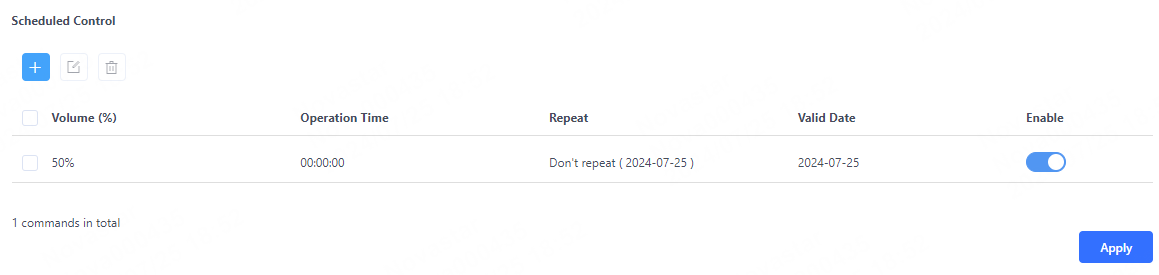
- Real-time control: Adjust the screen volume by dragging the slider or
entering a number and then click Apply.