Monitoring
Scenarios
View the player disk usage and data usage and clean up media.
Operating Procedure
- From the menu bar, choose Control.
- Click Monitor.
- On the left of the page, select the target online player.
- View the player disk usage, current data usage of the month, and environment monitoring
items.
Figure 1. Monitoring items 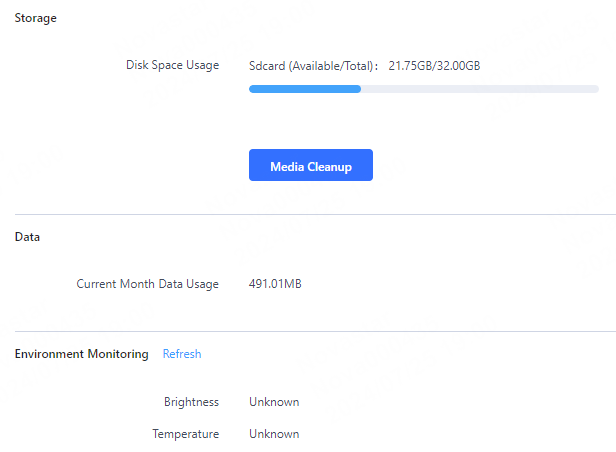
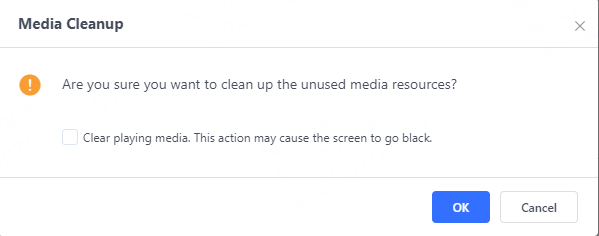
- (Optional) Click Media Cleanup and click OK.
Figure 2. Media cleanup