Power On/Off
Scenarios
Schedule screens to power on/off.
Related Information
This feature is supported by the NS2K series products only.
Operating Procedure
- From the menu bar, choose Control.
- Click On/Off.
- Select a player from the list and click
 to create a control command.
 - Specify the power-on time and power-off time, select a repeat method and click
OK.
The interval between the power-on time and power-off time cannot be less than 2 minutes. When the power-off is earlier than the power-on time, the player will be powered off on the next day.
Figure 1. Creating a scheduled control command 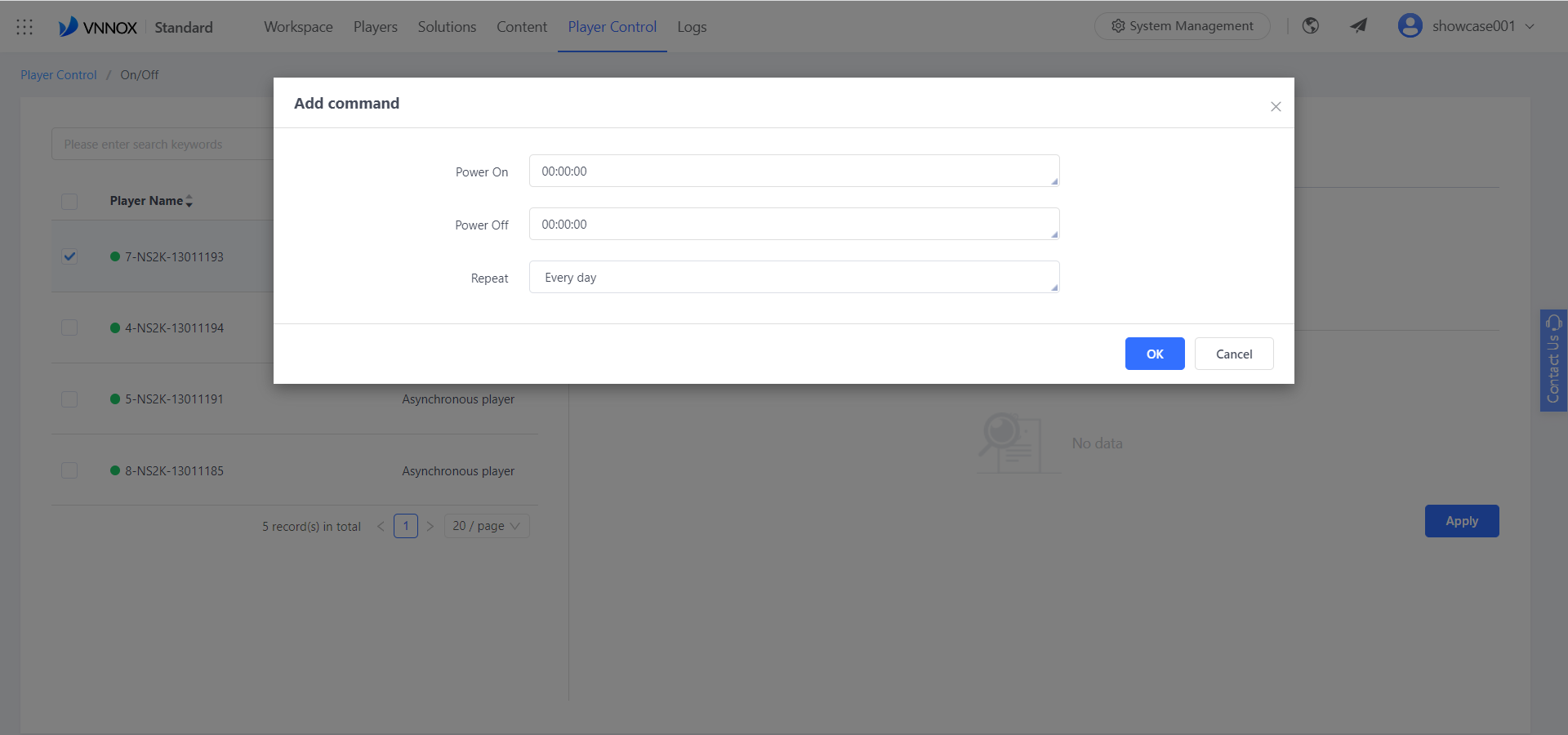
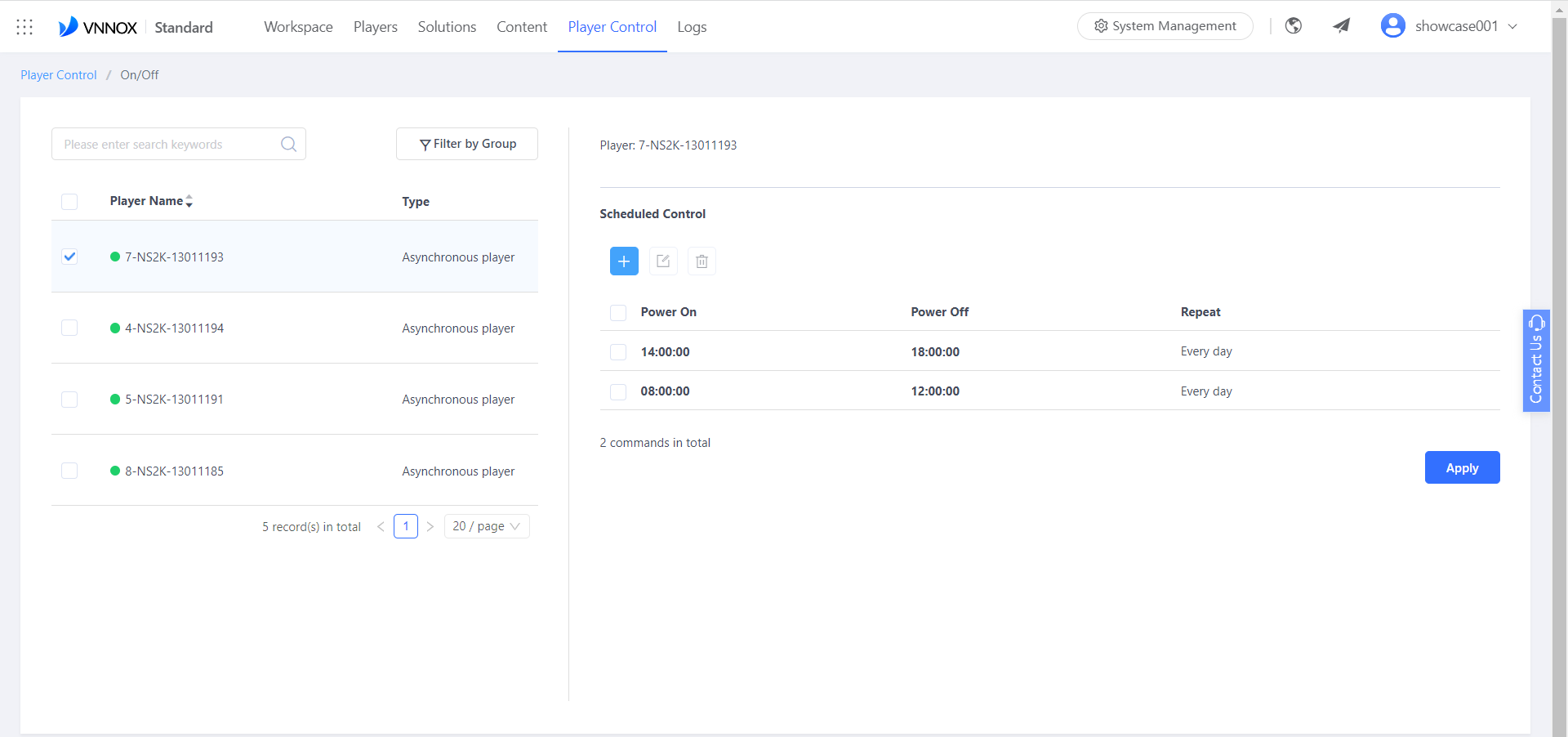
- Select the required commands and click Apply to apply the command to the
player. (If no command is selected, all the scheduled control commands will be
applied.)
Figure 2. Scheduled power on/off